6 stages · 12 stepsHow it works
Brief the studio.Receive a campaign.
You bring a product and make the decisions that matter. Studio Noir does the strategy, the writing, the production and every platform version, and shows you each step as it happens.
- No prompts.
- No production team.
- No complicated workflow.
01 —The workflow
From productto campaign.
6 stages, 12 steps. Every campaign moves through the same studio process, and you can watch each step on the build screen as it happens.
Stage 01
Understand
Analyse the product, brand, audience and visual identity.

- Step 01Product intelligenceReading the product, brand and audience
What you seeA product profile: what it is, who it is for, its materials and palette. Correct anything before a frame is made.
Stage 02
Strategize
Set the campaign objective and creative strategy.
- Step 02Campaign strategySetting the objective and approach
What you seeThe strategy on one page: objective, audience, message and the role each platform plays.
Stage 03
Concept
Develop the idea, the message and the creative direction.
- Step 03Creative conceptFinding the idea and the message
- Step 04Content planDeciding every asset and where it runs
What you seeThe idea, the line and the content plan: every asset, where it runs and in which format.
Stage 04
Produce
Write, storyboard and produce the images, film, voice and music.
- Step 05ScriptsWriting voiceover and on-screen copy
- Step 06StoryboardsPlanning every shot
- Step 07Visual productionProducing stills and key frames
- Step 08MotionProducing film and video
- Step 09Voice & musicRecording voice, scoring music
- Step 10EditingCutting, pacing, finishing
What you seeScripts, storyboards, stills and films arriving on the campaign board as each one is finished.
Stage 05
Adapt
Create platform-specific versions and formats.
- Step 11Platform adaptationResizing and tailoring for each platform
What you seeEach asset in every format it needs, recomposed for the frame, never cropped blindly.
Stage 06
Deliver
Hand over a complete, production-ready campaign.
- Step 12Final deliveryChecking and packaging the campaign
What you seeAn approved campaign, checked and packaged per platform, ready to publish.
02 —Who does what
You decide.The studio makes.
You make the decisions a creative director would make. Studio Noir does the work a production team would do.
What you choose
- 01
Product
A photo or a link. Studio Noir reads the rest.
- Photo
- Product page
- 02
Objective
9 goals, from a launch to retargeting.
- Product launch
- Sales
- Brand awareness
- Engagement
- 03
Platforms
Any of 8, each in its native formats.
- TikTok
- YouTube
- 04
Content
10 content types, recommended for your goal.
- Hero films
- Commercials
- Reels
- YouTube Shorts
- UGC videos
- 05
Scale
How much you need, in assets.
- Starter · 5
- Growth · 15
- Campaign · 30
- Full launch · 50+
- 06
Direction
11 styles, with energy, lighting and camera.
- Cinematic
- Editorial
- Luxury
- Minimal
- UGC
- 07
Voice
Voiceover, music and 13 languages.
- Female
- Male
- Neutral
- English
- Hindi
- Hinglish
03 —What you receive
Every format,composed for it.
Every asset arrives in the native format of each placement it runs in. One idea, recomposed for every frame, never cropped blindly.
- 1080 × 1920
- 1080 × 1350
- 1080 × 1080
- 1920 × 1080
- 1000 × 1500

04 —Review and refine
Change it withchoices, not words.
Every asset lands on the campaign board for review. If something is not right, open it and adjust the lighting, energy, length, focus or music. Studio Noir produces a new version and keeps the earlier ones.
The approval path
- In review
- Changes requested
- Approved
- Published
Teammates can comment and request changes. Nothing is delivered until it is approved.
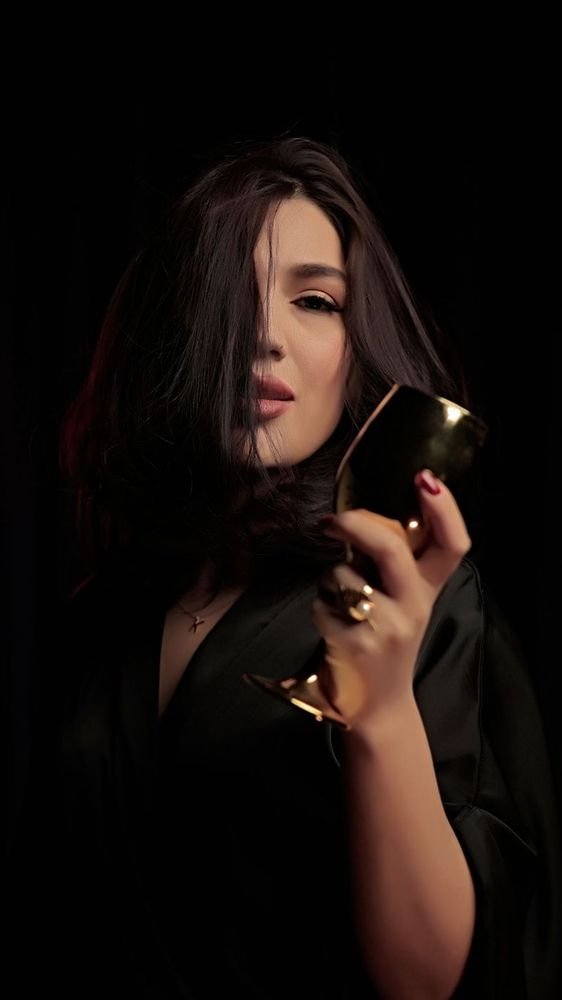
Reel · 9:16
Opening reveal
Version 2 of 2
05 —Delivery
Ready to publish.
Approved assets are checked, named and packaged the way you need them: sorted for 8 platforms, or as masters for your own team.
- 01
Platform pack
Sorted into folders per platform, named for upload.
- 02
Originals
Full-resolution masters, exactly as approved.
- 03
Single archive
Everything in one file, easy to hand over.
06 —Questions
Straightanswers.
01Do I need to write prompts?
No. You make structured choices: objective, platforms, content, scale, creative direction and voice. There is no prompt field anywhere in Studio Noir, including when you change an asset.
02What do I need to start?
One product: a photo or a link to its page. Your logo, colours and fonts help and can be added to your brand kit at any time. Everything else is a choice you make in the brief.
03Can I change an asset?
Yes. Open it and adjust the lighting, energy, length, music, voice, call to action or product focus. Studio Noir produces a new version and keeps the earlier ones. Nothing is final until you approve it.
04How are credits counted?
By asset type and length. A still starts at 4 credits; a film at 10, plus 6 for every started five seconds. Reading a product costs 2 credits and a reference 3. A new version of an asset costs the same as the original. Exports are free. You see the estimate in the brief before anything is produced.
See plans and credits →05Who owns the output?
You own your campaign assets and can use them wherever you advertise. The details are in our terms.
Read the terms →06Which platforms does a campaign cover?
Instagram, TikTok, YouTube, Facebook, LinkedIn, Pinterest, Google Ads, and Snapchat. Every asset is produced in the native format of each placement it runs in, composed for that frame rather than cropped.
07How long does a build take?
It depends on the scale you choose. Builds run in the background: you can follow every step on the build screen, and assets appear on the campaign board as they are finished.
Brief the studio
Your first campaignstarts here.
One product and a few decisions. The campaign comes back complete.